
Minecraft Collection
- Regular price
- RM 8.00
- Sale price
- RM 8.00
- Regular price
-
RM 0.00

Local Shipping (Malaysia)

Secure payments

Authentic products
Share
Transform your everyday clothes and items into unique, stylish pieces with our embroidered iron-on patches.
Made with high-quality threads and durable adhesive backing, our patches are easy to apply and ensure long-lasting wear.
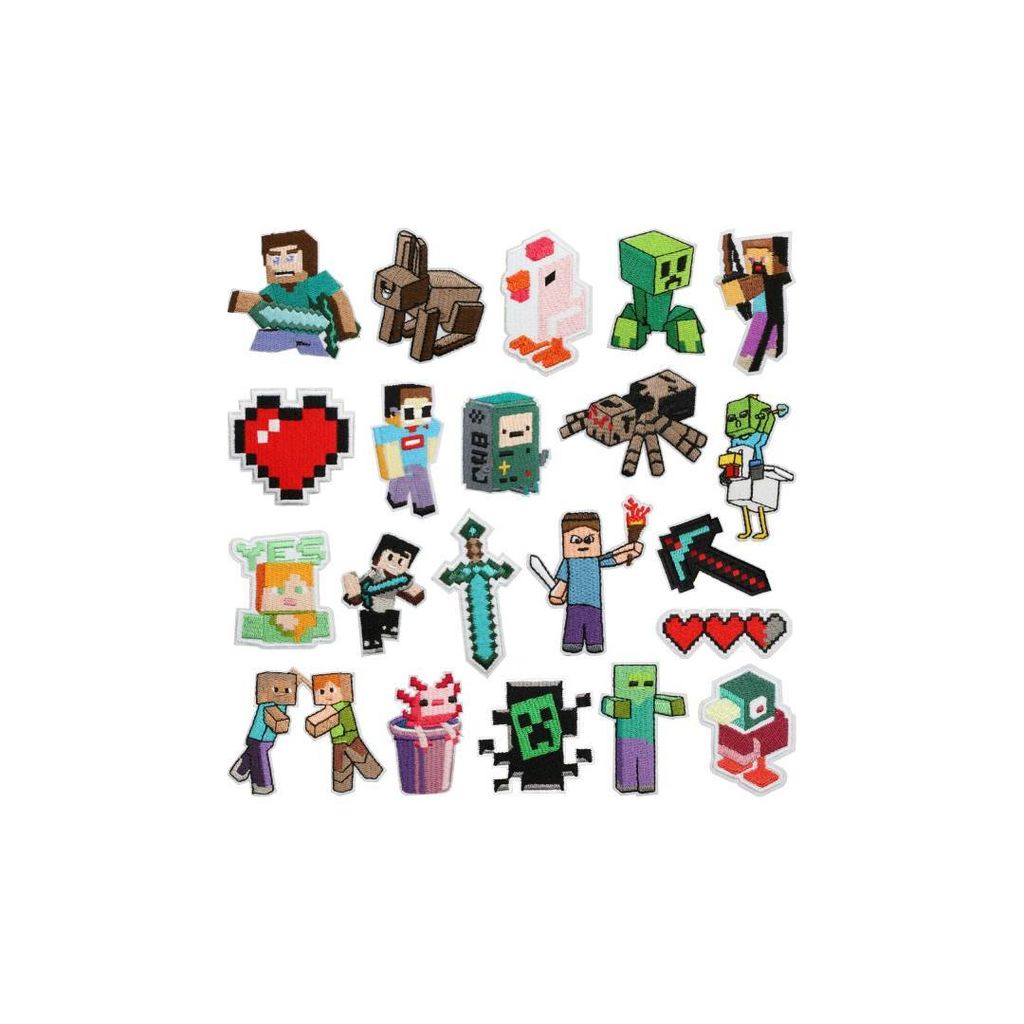
Patches' Measurements - Height x Width
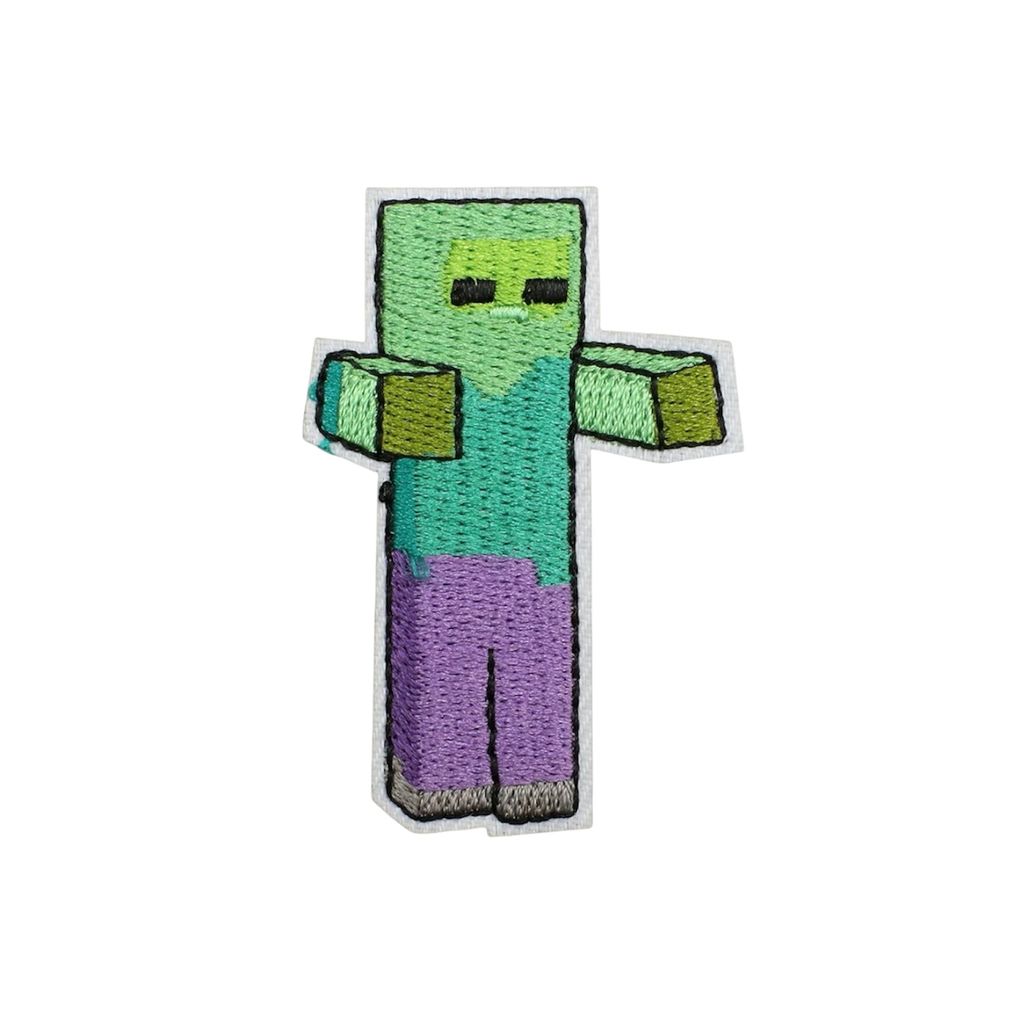
- Zombie - 5.7cm x 4cm
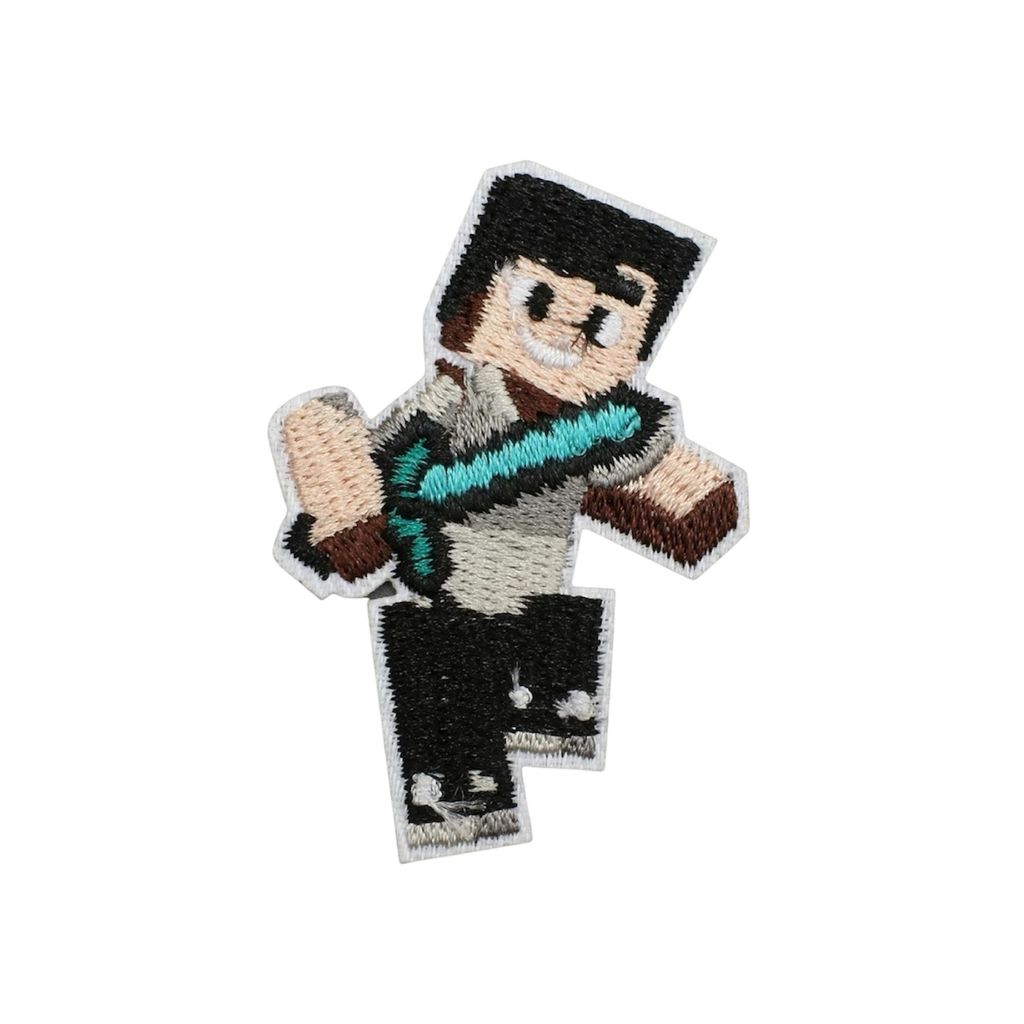
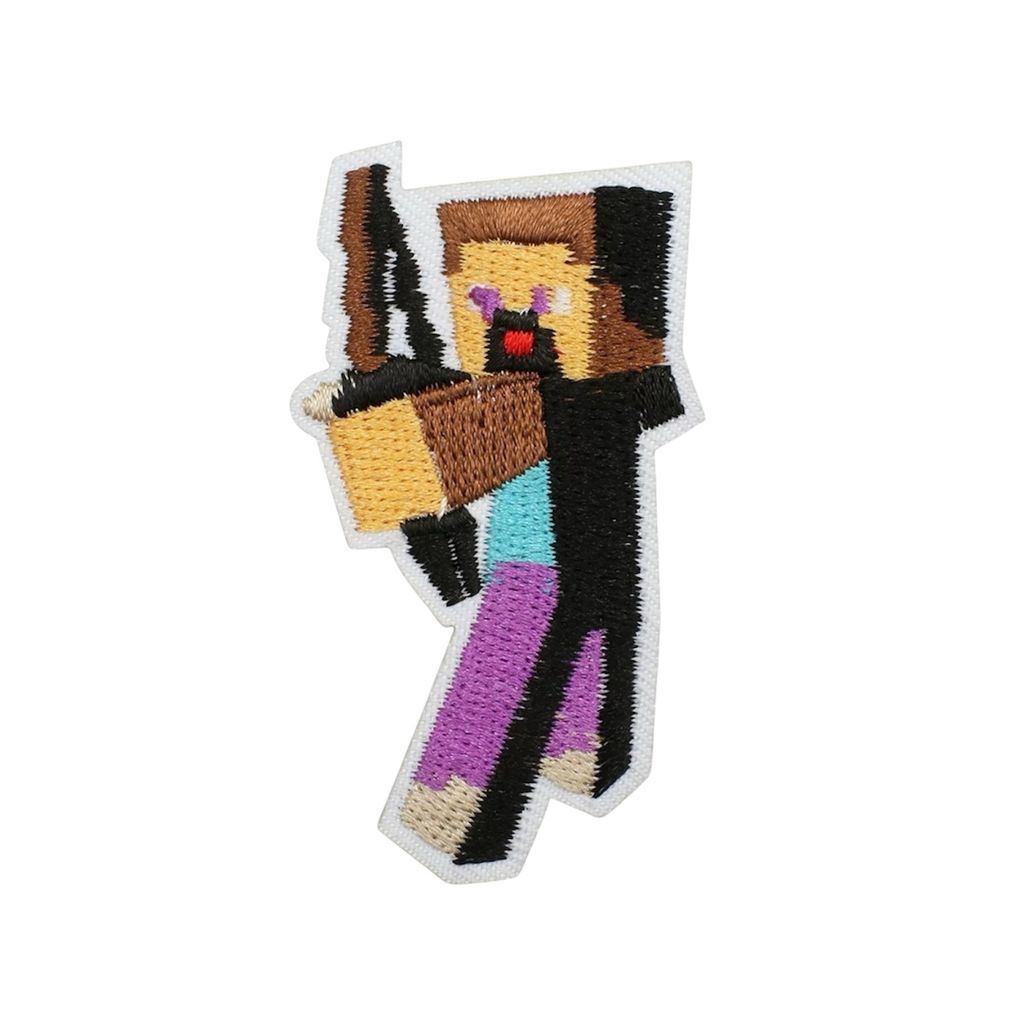
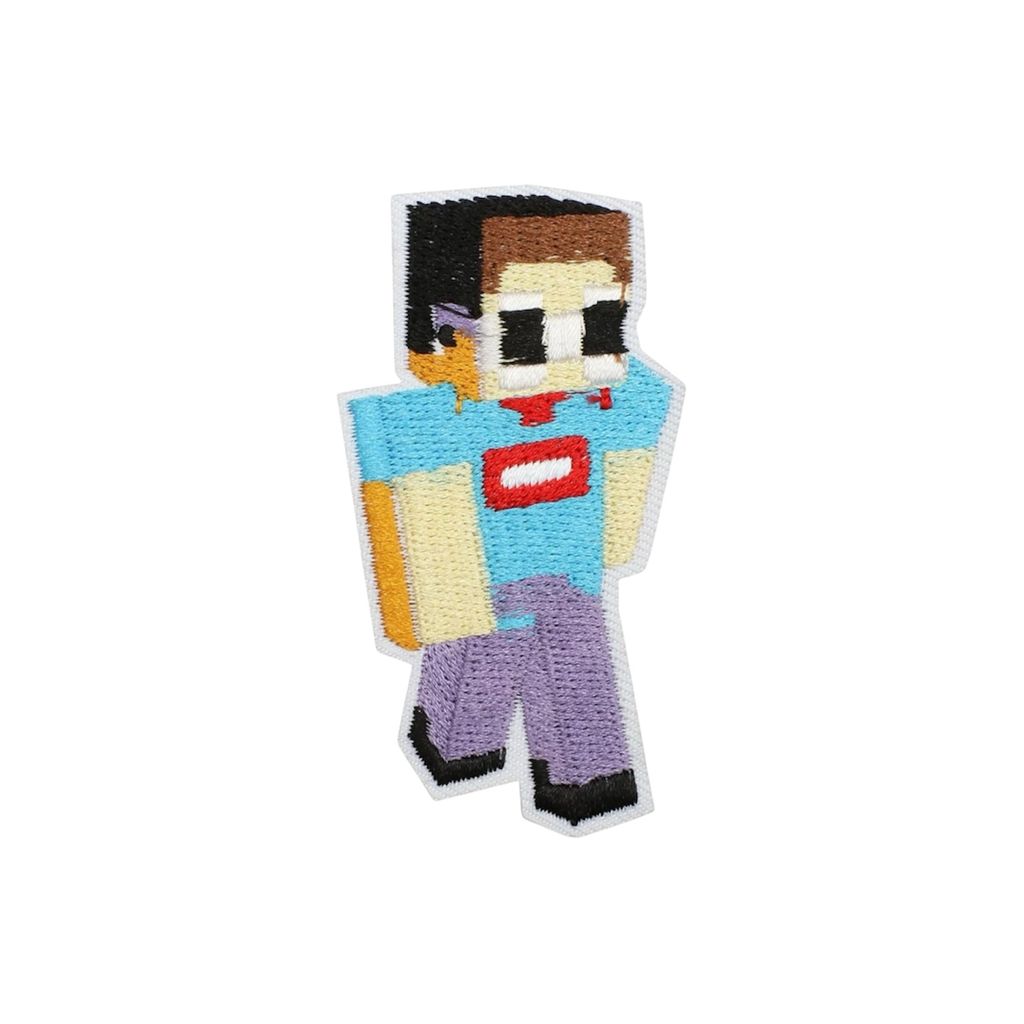
- The Player - 6.5cm x 3.5cm
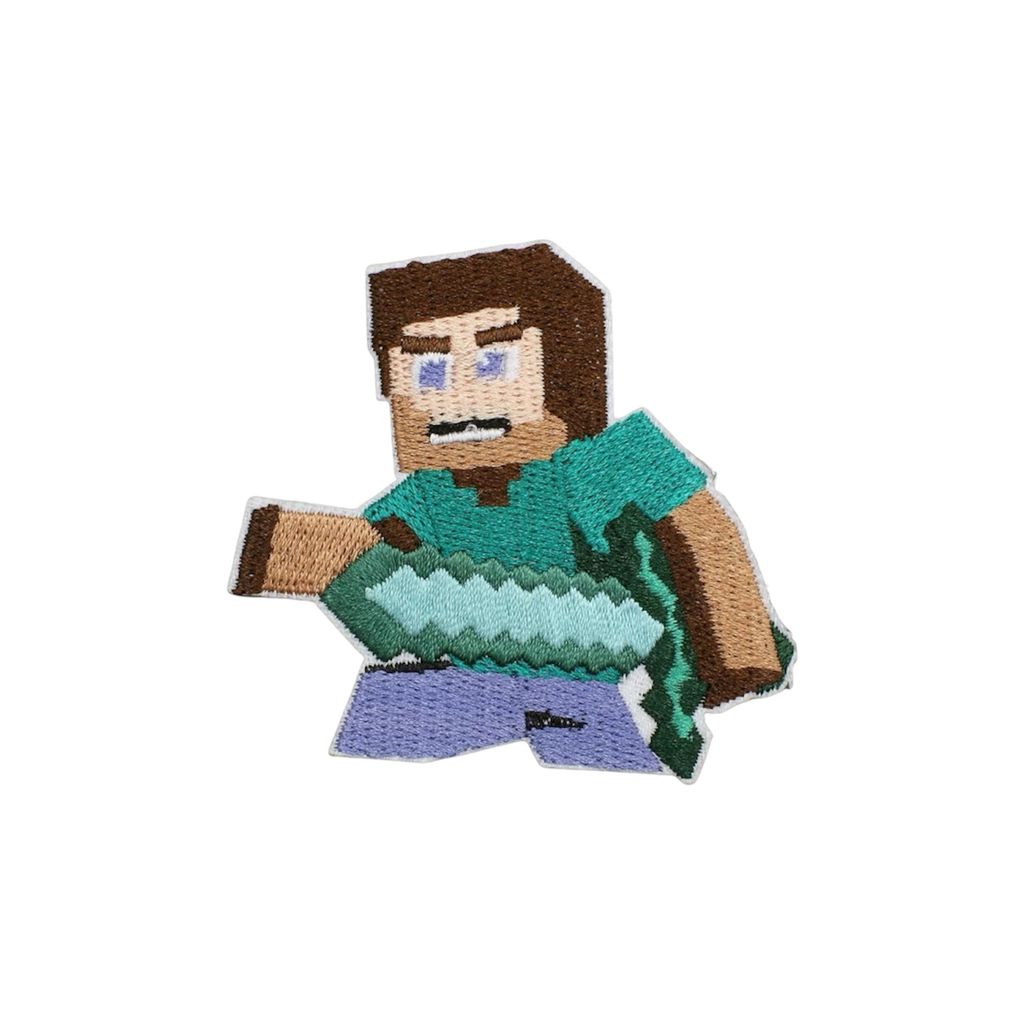
- Steve - 5.5cm x 6cm
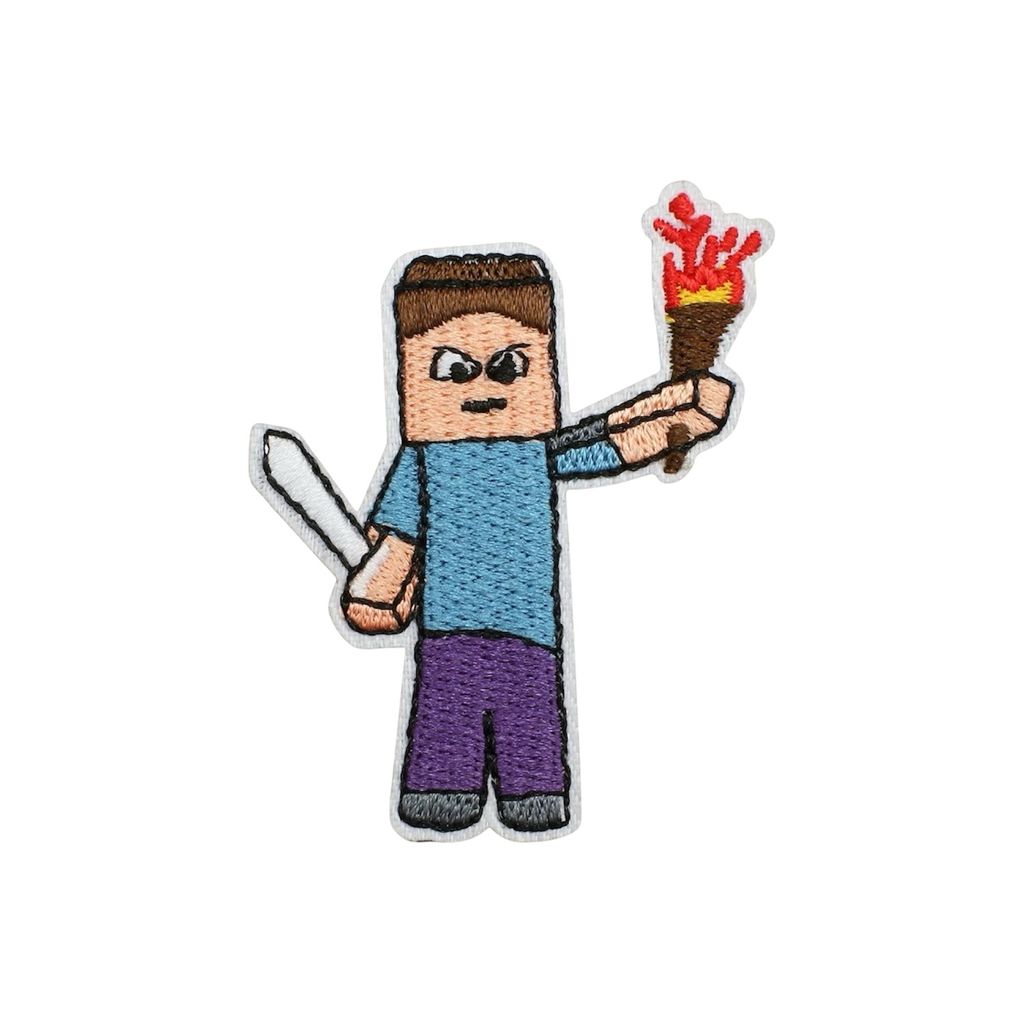
- Steve with Torch - 5.8cm x 4.5cm
- Steve with Arrow - 6.5cm x 3.5cm
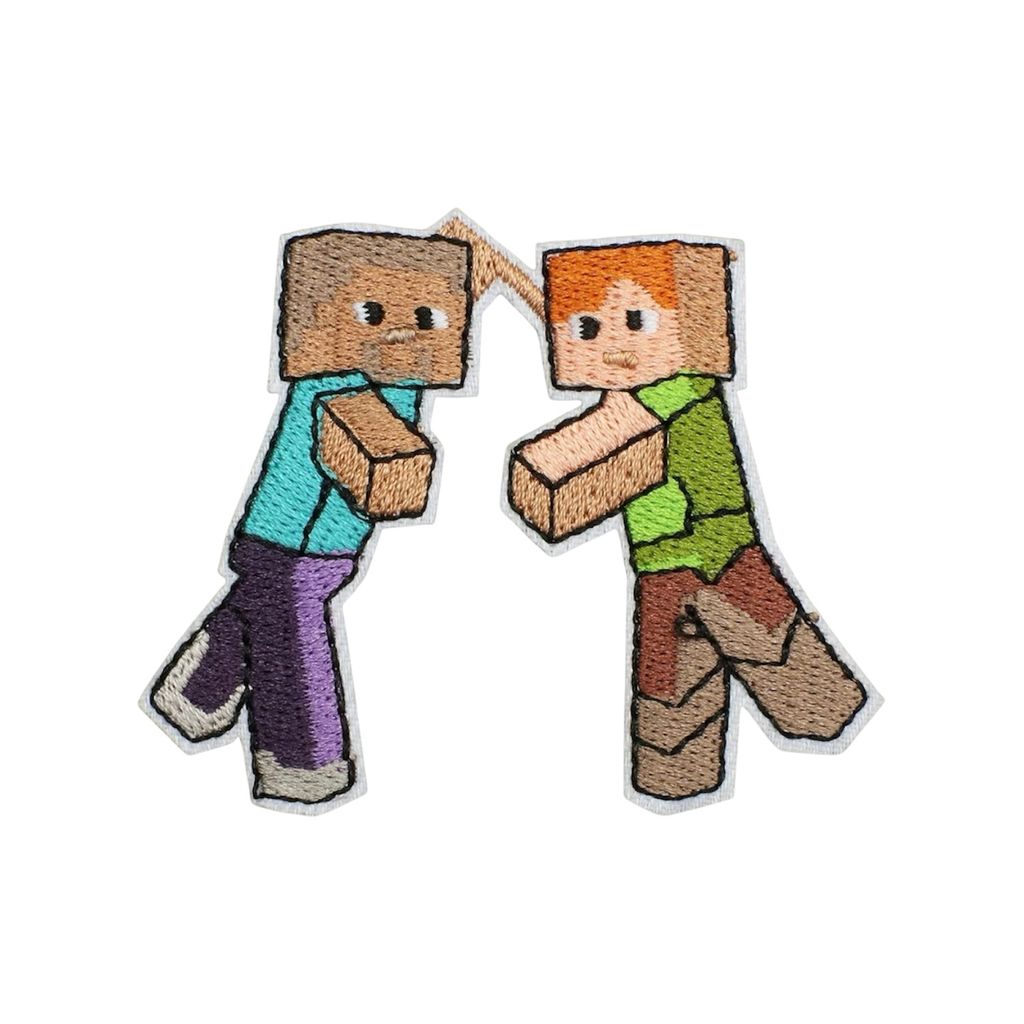
- Steven and Alex - 5.8cm x 6.8cm
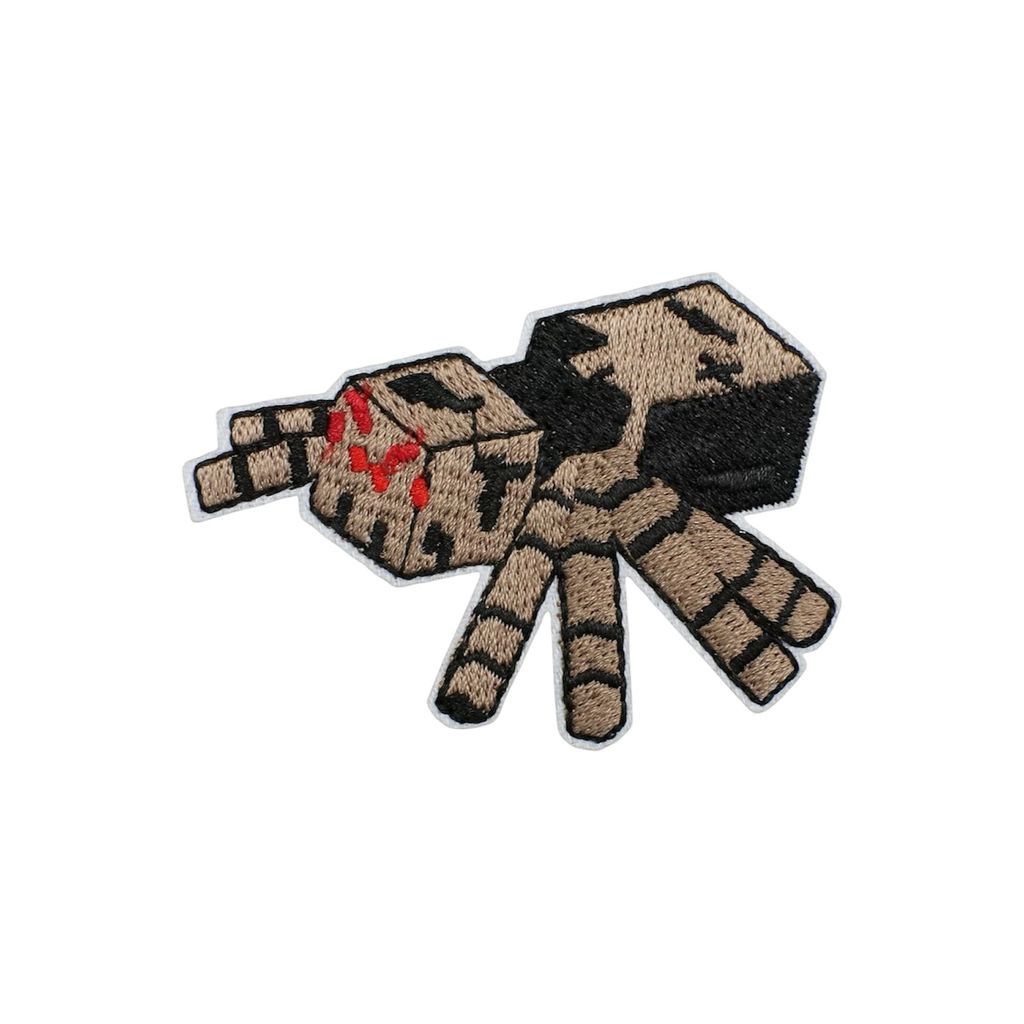
- Spider - 4.7cm x 6.8cm
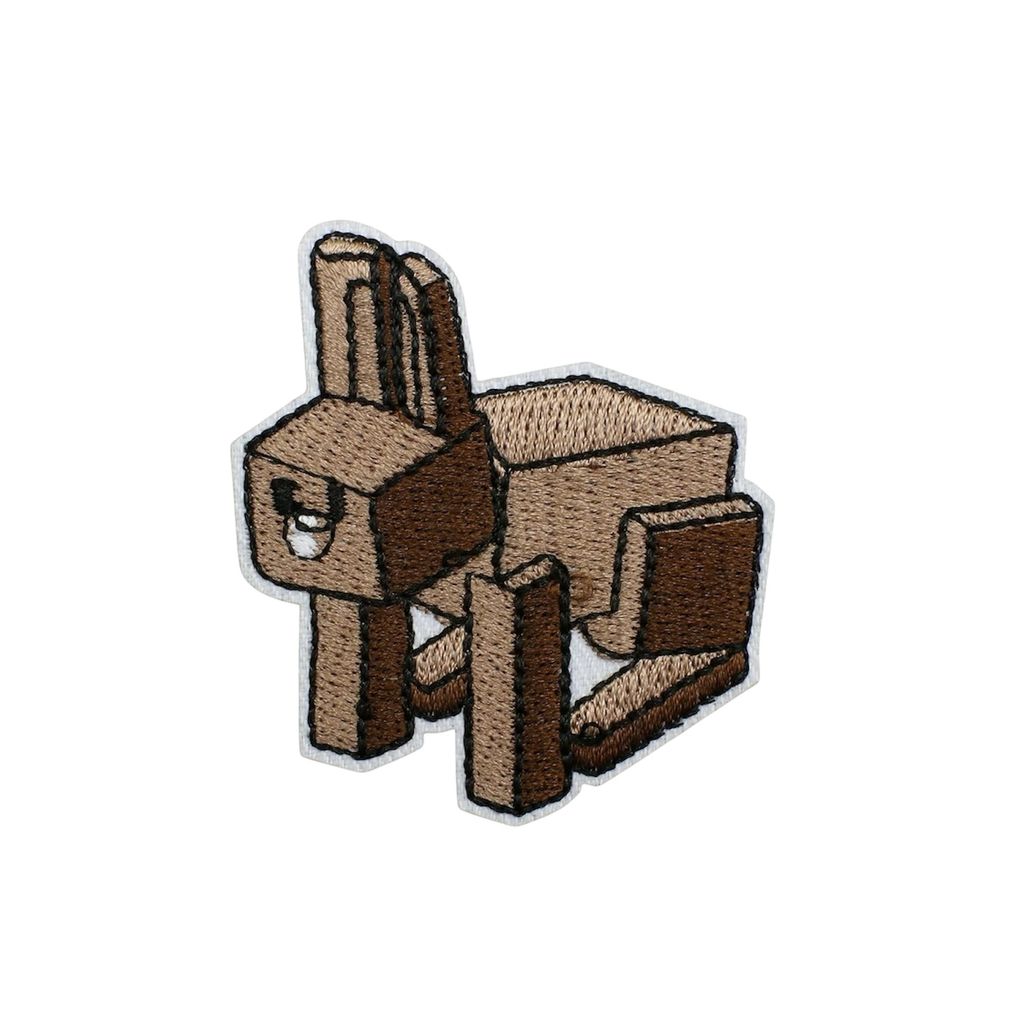
- Rabbit - 5.5cm x 5cm
- Player with Sword - 5.5cm x 4cm
- Pick Axe - 5cm x 7.3cm
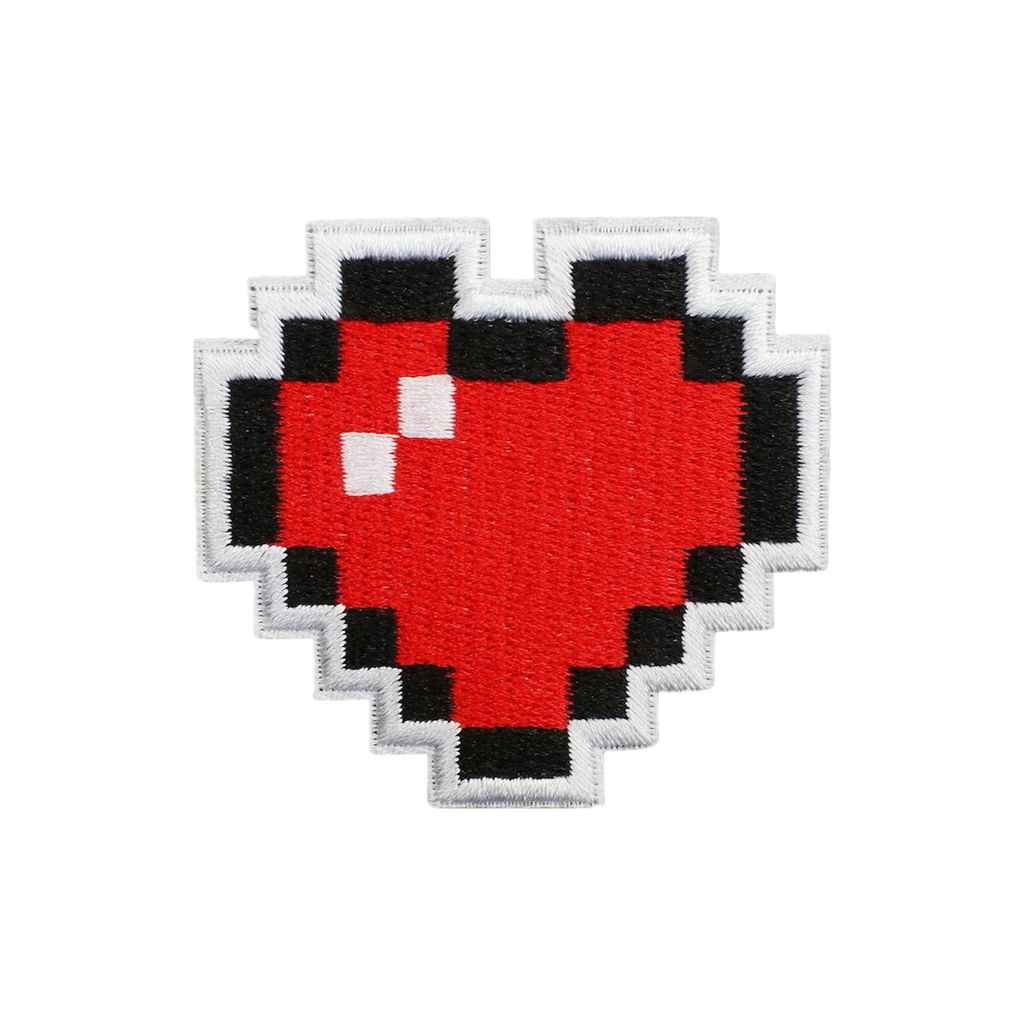
- Health - 5.7cm x 6.1cm
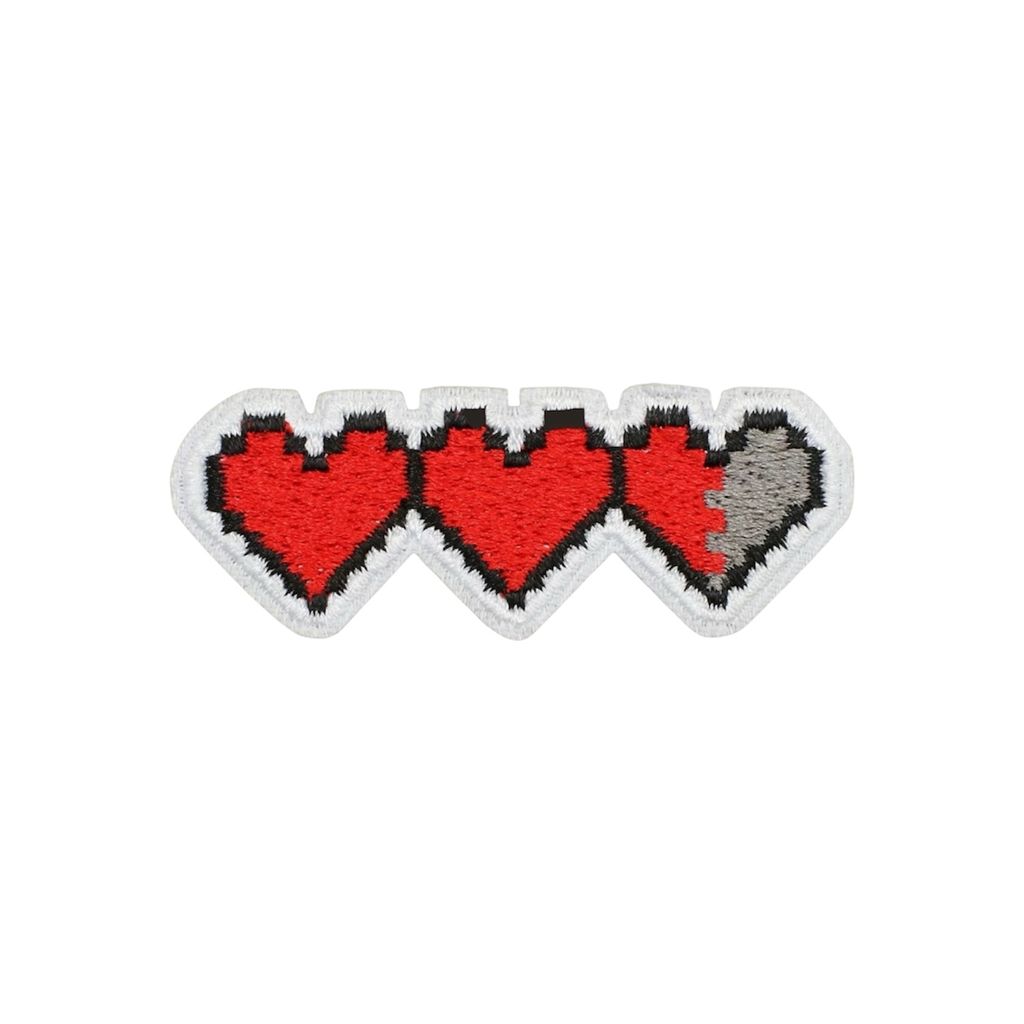
- Health Bar - 2.5cm x 6.5cm
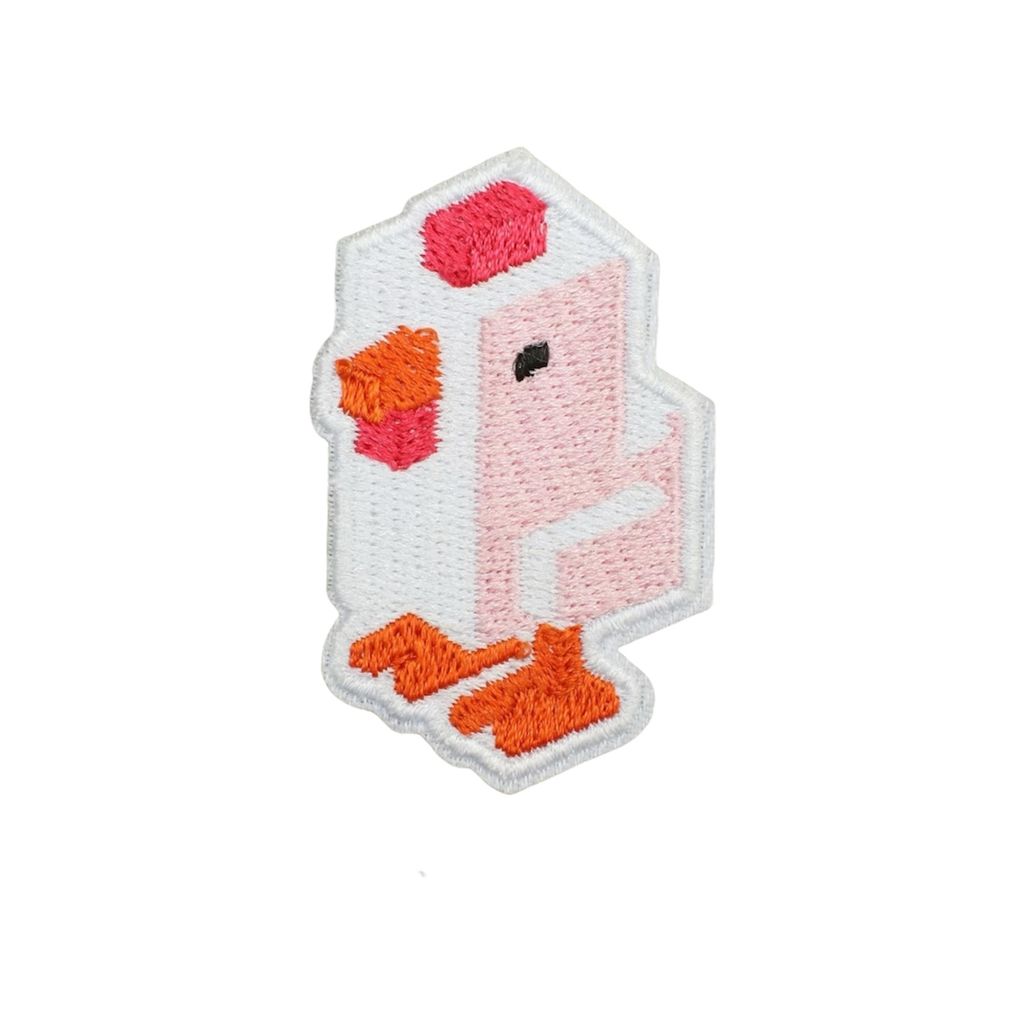
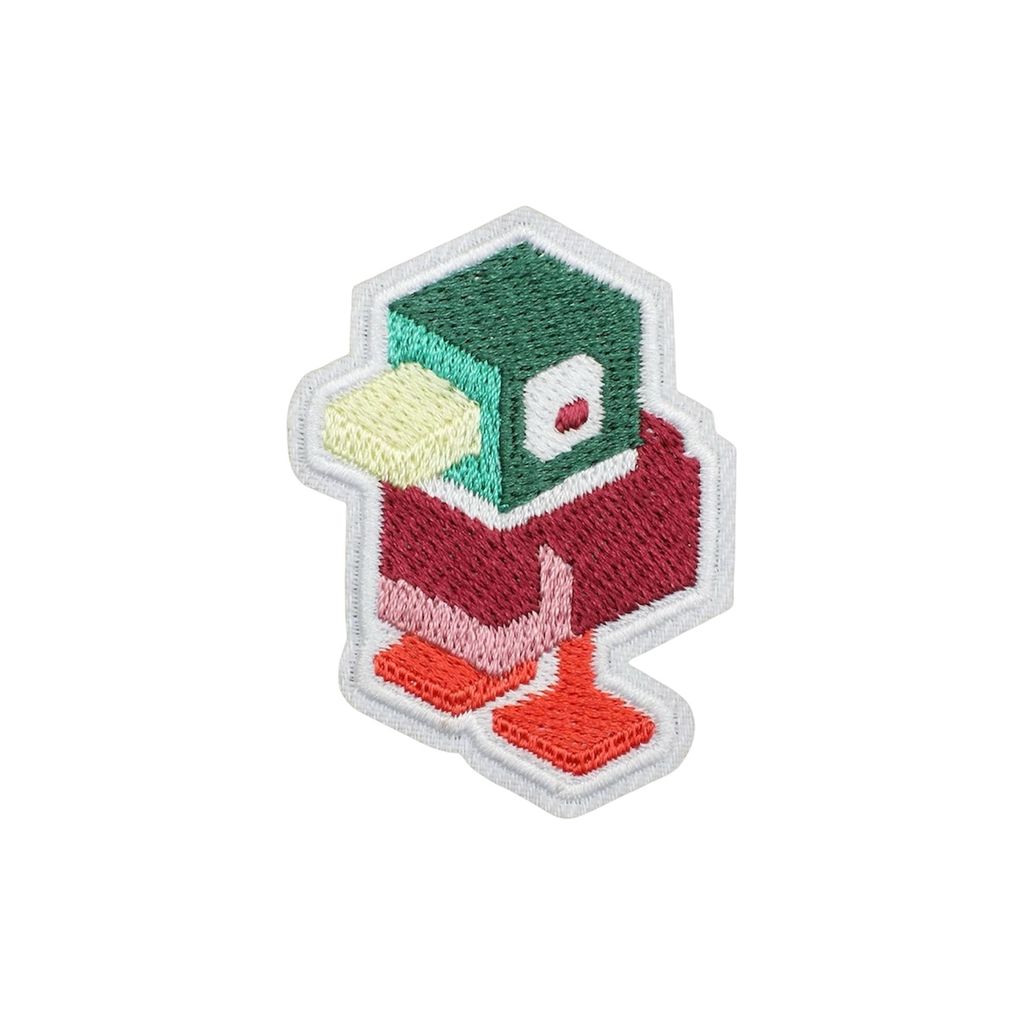
- Duck - 5.5cm x 4.2cm
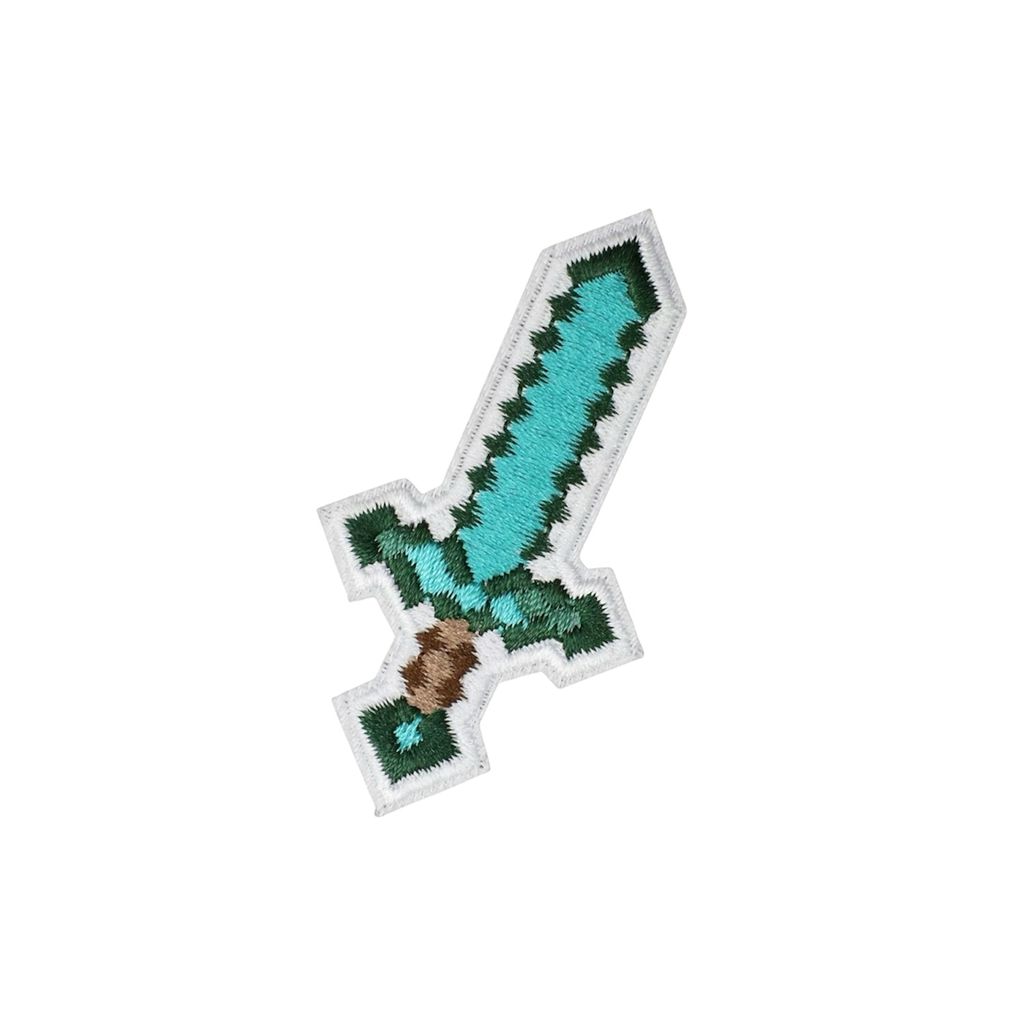
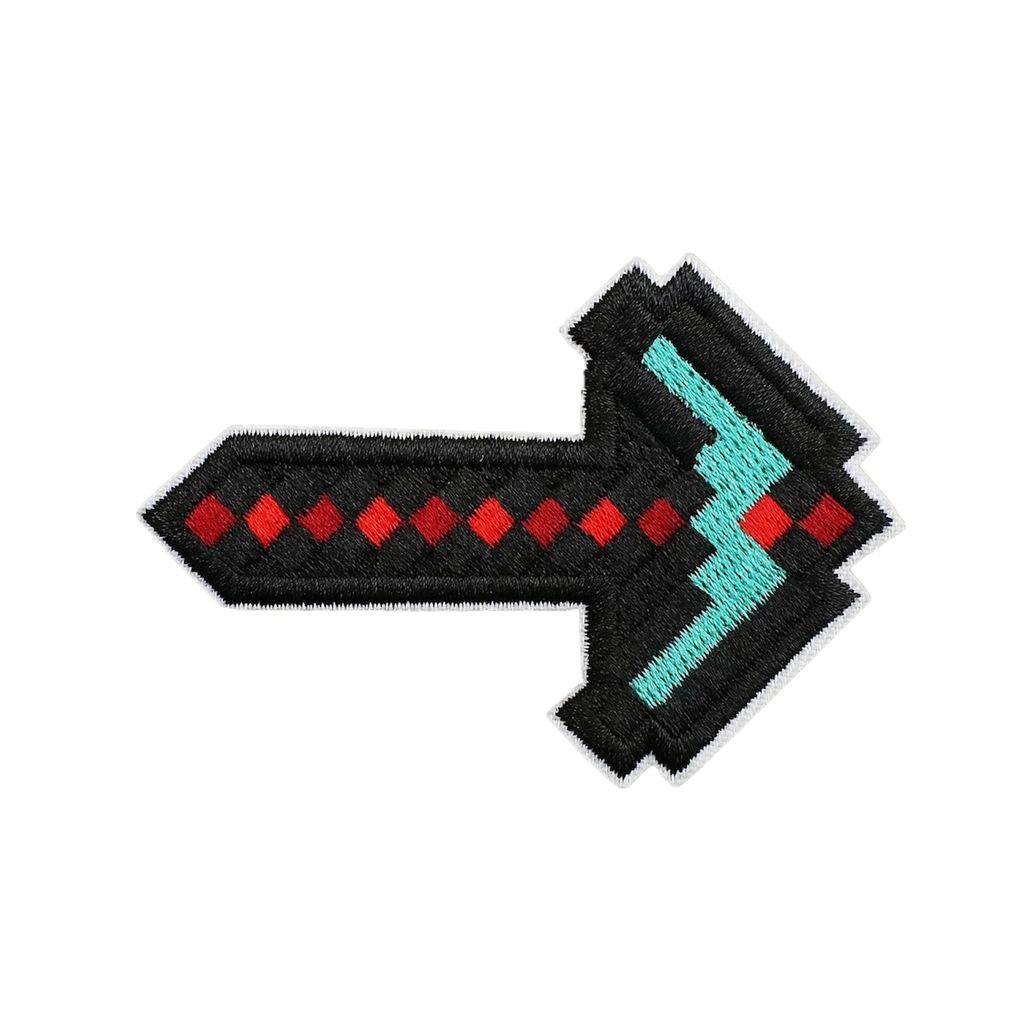
- Diamond Sword - 6.7cm x 3.5cm
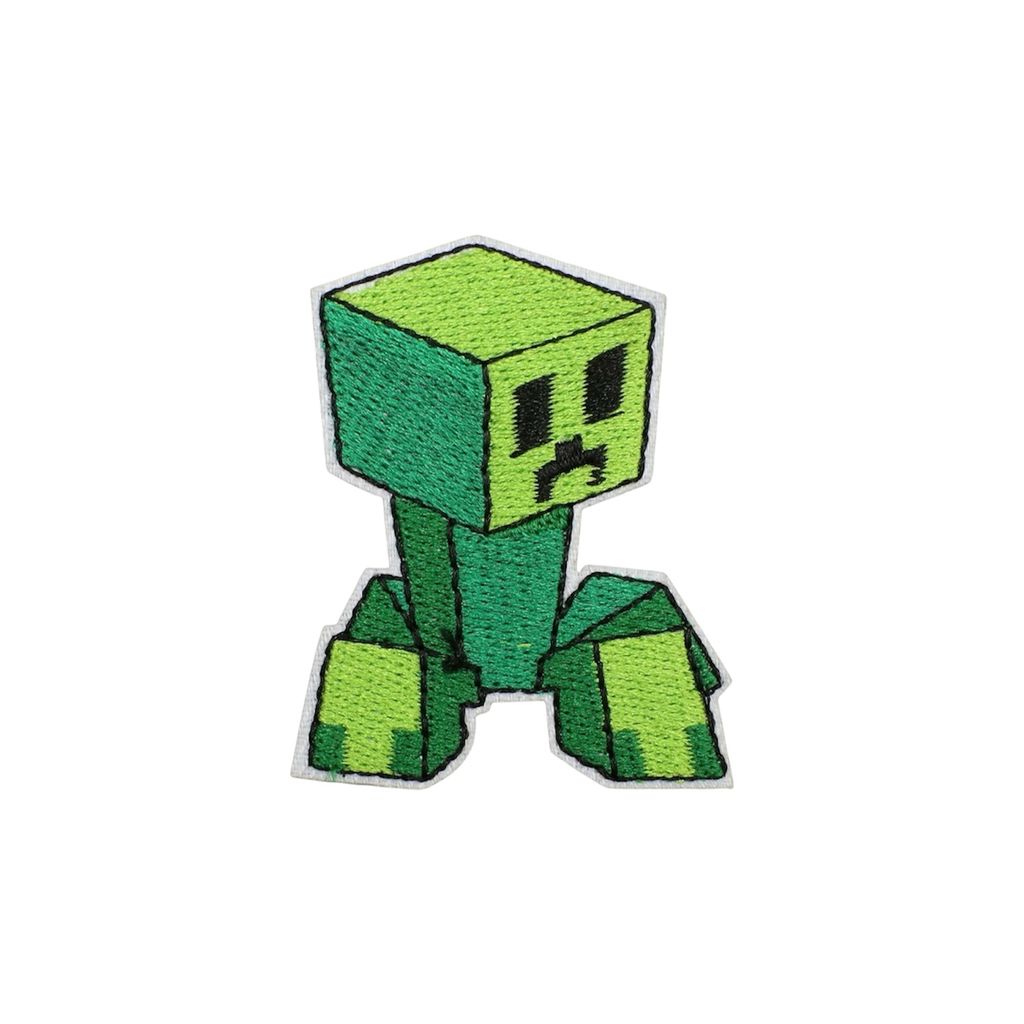
- Creeper - 6cm x 4.5cm
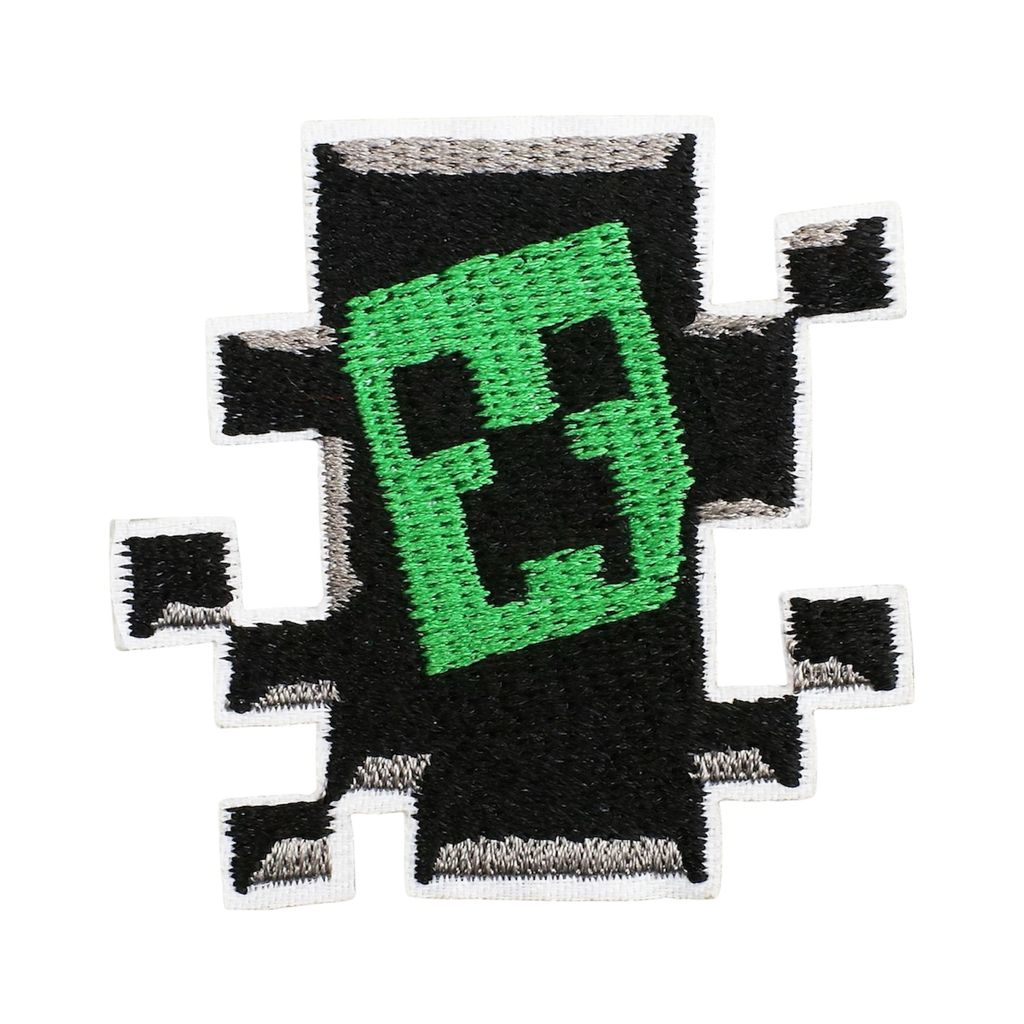
- Creeper Lurk - 5.6cm x 5.6cm
- Chicken - 5.5cm x 3.5cm
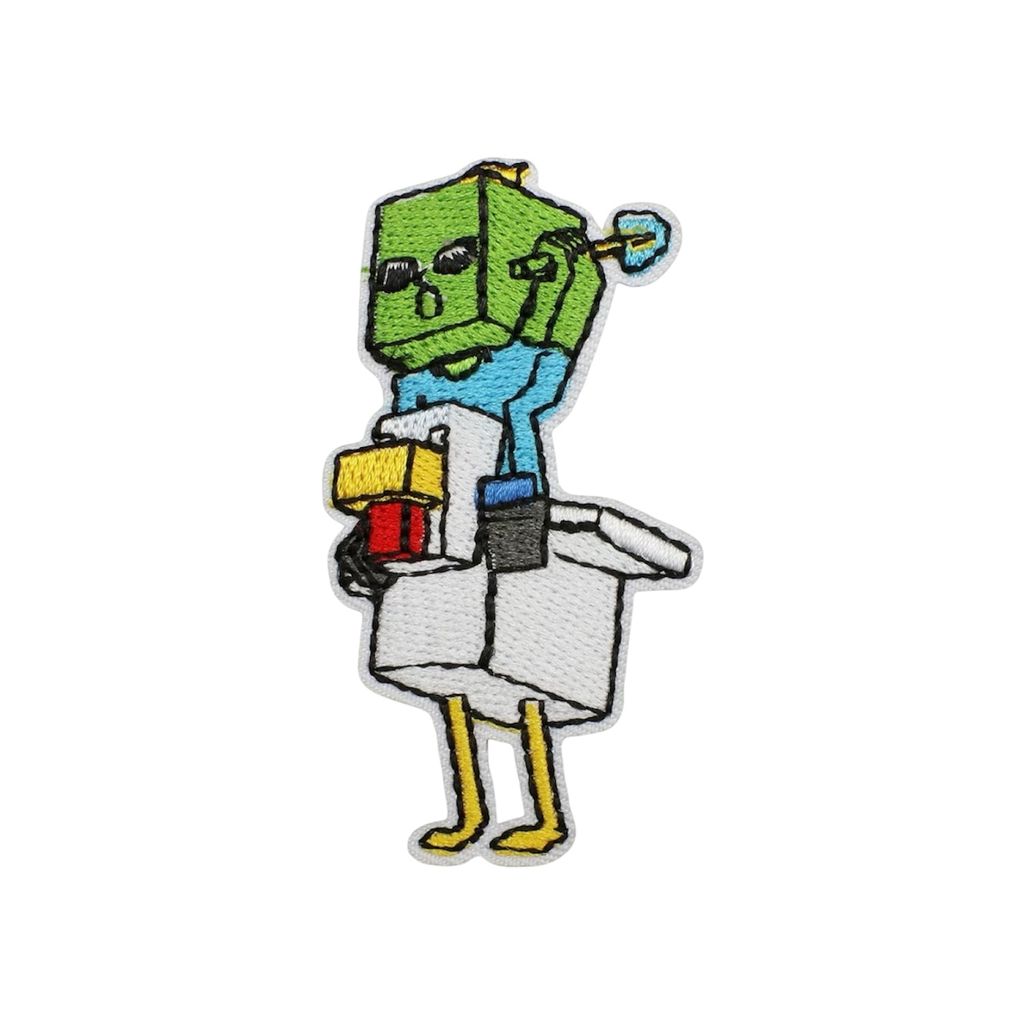
- Chicken Jockey - 6.8cm x 3.7cm
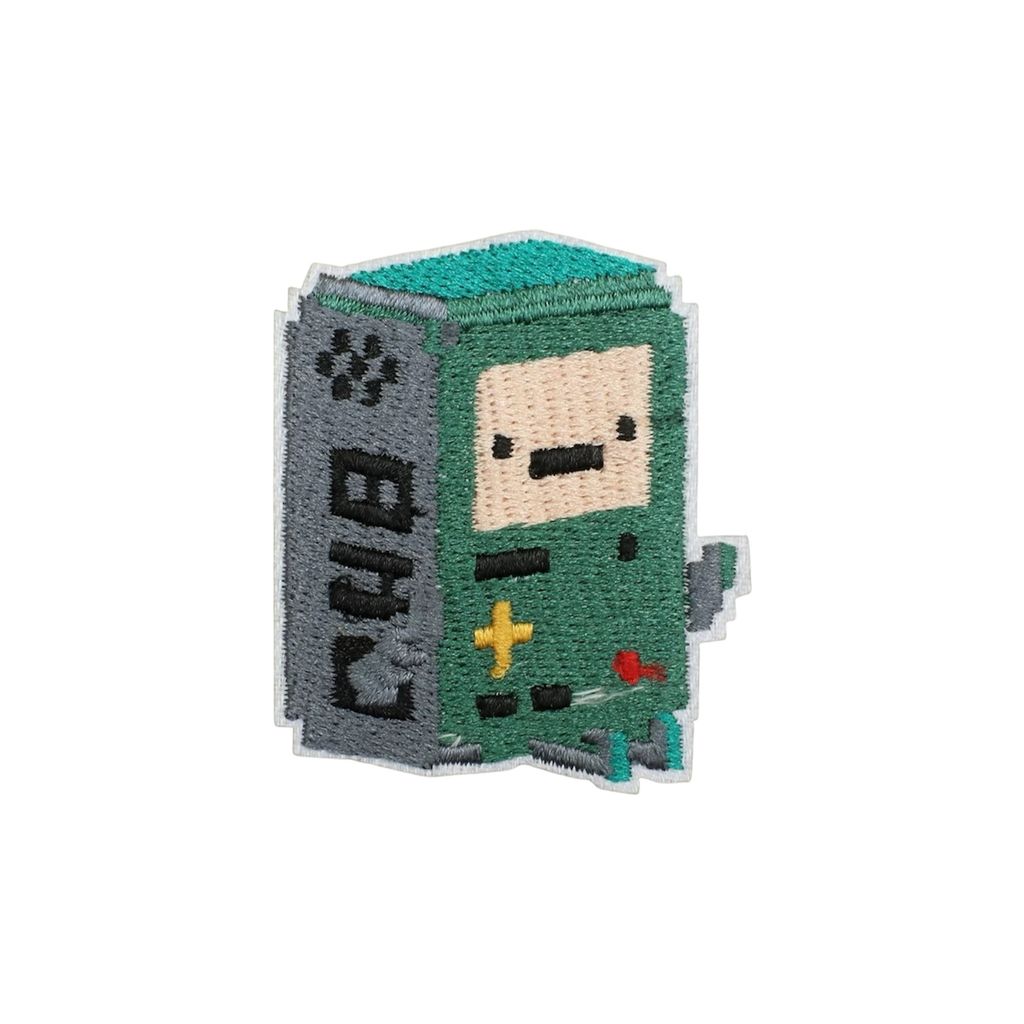
- BMO - 5.5cm x 4.7cm
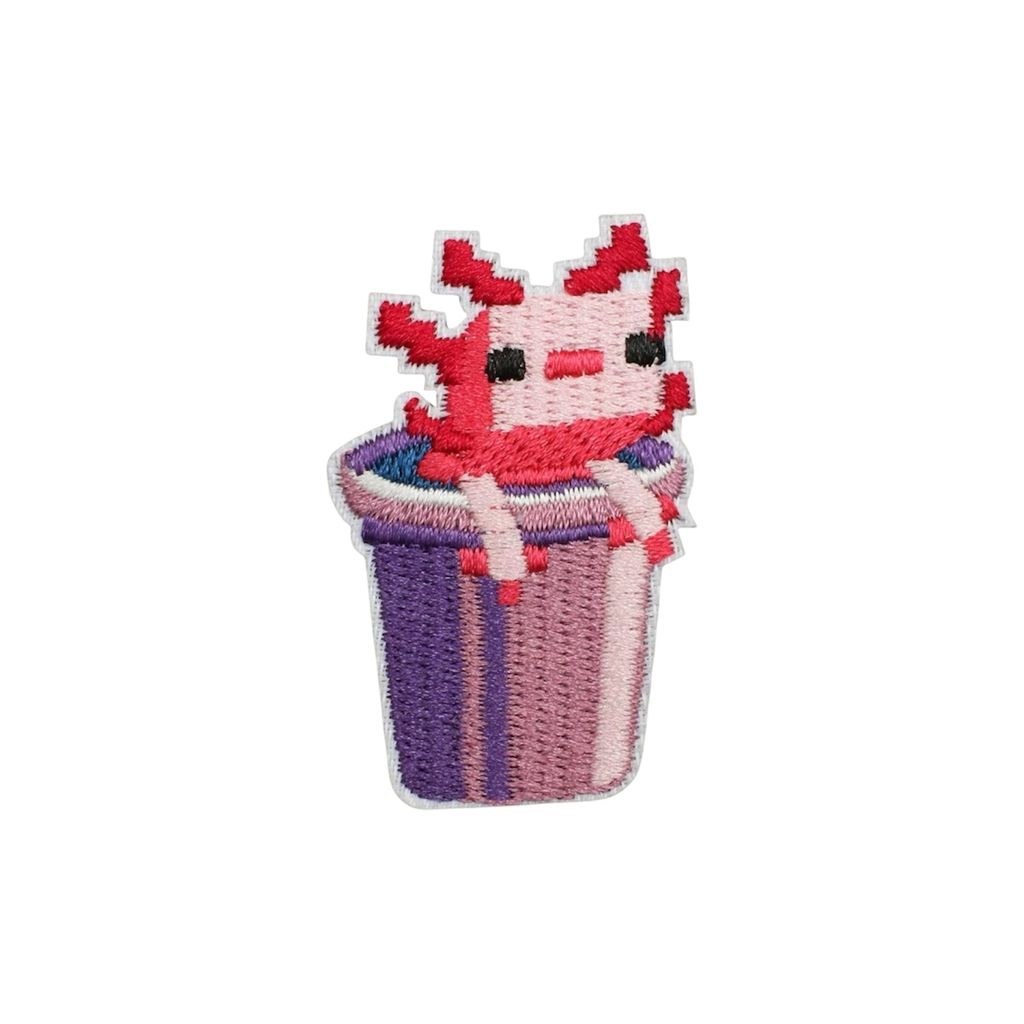
- Axolotl - 5cm x 3.2cm
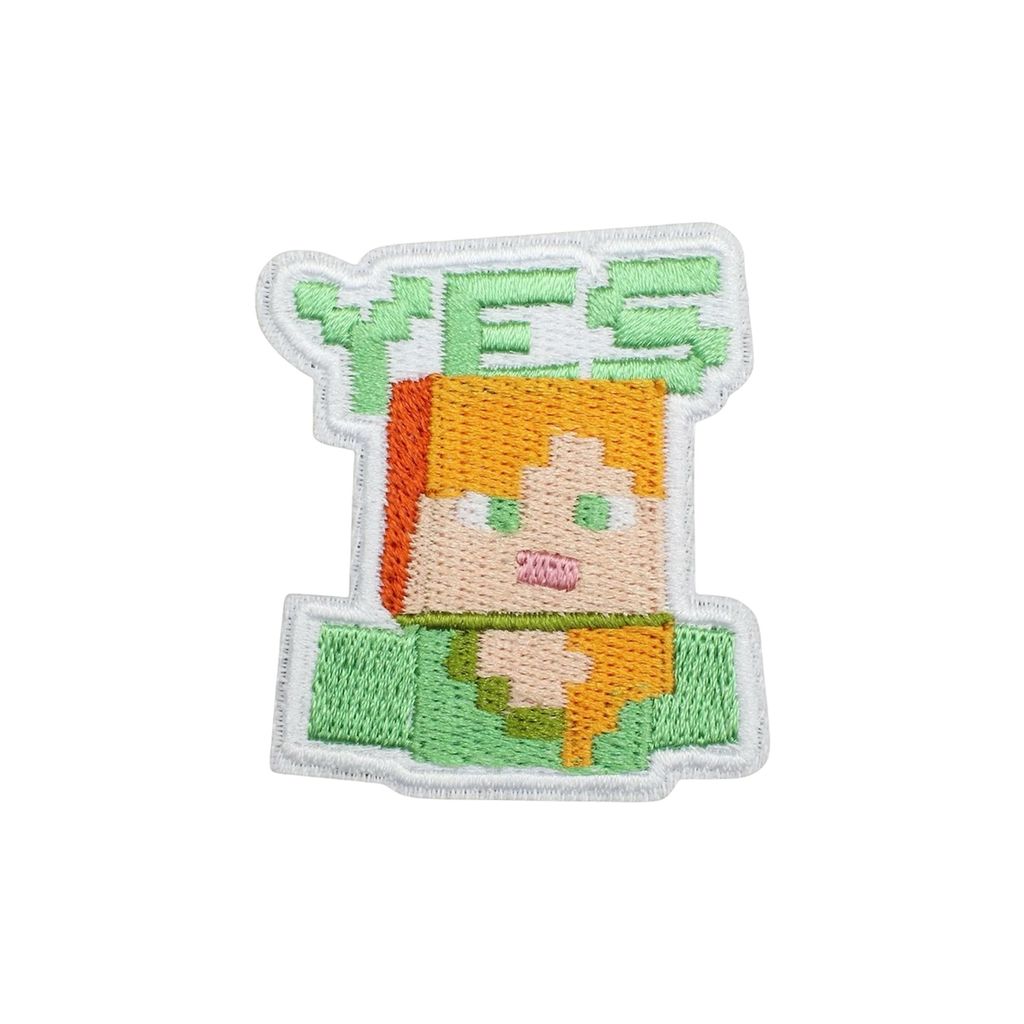
- Alex Yes - 5.5cm x 4.8cm
Instructions for use
- Lay the t-shirt/item flat on an ironing board.
- Place the patch in your desired location. Make sure the adhesive side (shiny backing) is facing down and the embroidered side is facing up.
- Set the iron to the "Cotton" or "High Heat" setting. Turn off the steam setting.
- Place a thin cloth over the patch to prevent direct heat from damaging it.
- Press the iron firmly on the cloth covered patch. Apply steady pressure for 20-30 seconds.
- Carefully lift the cloth to check if the edges of the patch are secure.
- Let the patch cool completely for 5–10 minutes. Gently tug the edges of the patch to ensure it’s firmly attached.
- If it’s not fully attached, repeat the ironing process for another 10–15 seconds.